



What Parents Should Know About Short-Form Video Addiction
Short-form video feeds on platforms like YouTube and TikTok make it easy to move from one video to the next, so children may spend more time watching than they intended. When this starts interfering with sleep, homework, physical activity, or family time, parents may need to take a closer look at their child’s viewing habits.
Understanding why short videos are so engaging and recognizing signs of problematic use can help parents respond before viewing begins to interfere with everyday life. Clear family rules, screen-time settings, and parental control tools like Kroha can support healthier routines without treating every period of heavy use as an addiction.

All about children's interaction with the digital world

Xnspy Review for Parents: Is It Right for Your Child?
Xnspy is a phone-monitoring app designed for parents who want deeper visibility into a child’s phone activity than a typical screen-time tool provides. It combines location tracking, communication monitoring, app information, alerts, and remote controls in a web-based dashboard, although the available features vary significantly by device, operating system, and subscription plan.
Based on our 14-day test, Xnspy is better suited to parents who specifically need detailed phone-activity monitoring, particularly on Android. Families mainly looking for screen-time limits, app blocking, and everyday device rules may find a more traditional parental-control app easier to manage.

Talking to Teens About Sexting and Consent
Sexting involves sending or receiving sexual or intimate messages, photos, or videos through messaging apps, social media, or other digital services. For teenagers, it can involve not only curiosity or relationships but also pressure, blackmail, or the sharing of private content without consent.
Parents should talk about personal boundaries, digital consent, and intimate images before a problem occurs. Your child should know that they can refuse a request for an intimate photo and ask for help if someone pressures, threatens, or shares their content without permission.

How to Limit App Usage: Daily Limits & Schedules
If your child spends too much time on games, social media, or other apps, you do not have to block the phone completely. Two types of rules can help: a daily limit controls how long an app can be used, while a schedule controls when it is available.
With Kroha, parents can set app usage limits and schedules — for example, restricting games during school hours or before bedtime.
Family Tracker vs Parental Control
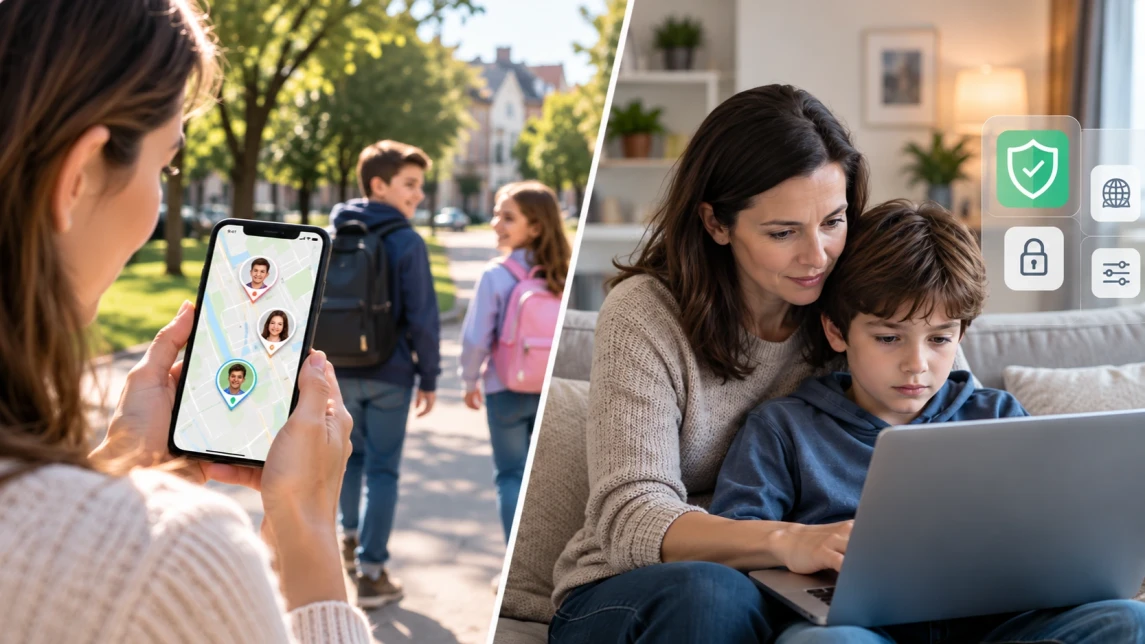
Parents search for a family tracker because the first question on their mind is “Where is my child?”
Yet location is only one part of child safety because some families also need a clearer view of a kid’s phone activity.
Based on these differing needs, there are three major kinds of tools, i.e., location sharing tools, family trackers, and parental control apps. While location sharing tools and family trackers focus mainly on location safety, parental control apps deal with broader device supervision and control.
Screen Time and Child Development: What Are the Risks?
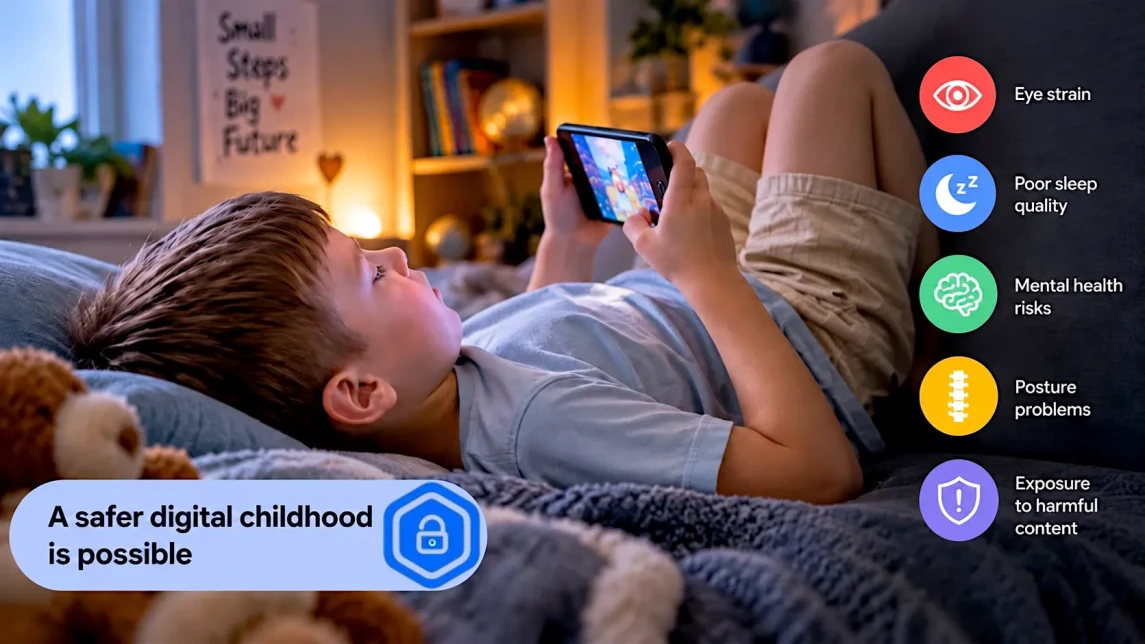
Phones, tablets, computers and game consoles are now part of many children’s everyday lives. They can help with homework, creativity and staying in touch with family, but they can also crowd out sleep, movement, play and face-to-face communication when they are used too often or at the wrong time.
That is why the question is not simply “how many hours is too much?” A video call with grandparents, an educational game and two hours of short-form videos do not affect a child in the same way. Age, content, context, time of day and the rest of the child’s routine all matter.
This guide looks at the main risks of excessive screen use, what current research says about child development and how parents can build healthier device habits without turning every screen into a conflict.
Is Janitor AI Safe for Kids? A Parent's Guide
Is Janitor AI safe for kids? The short answer is no. Janitor AI is an 18+ AI roleplay chatbot platform, and while 2026 brought the first real age-verification changes in its history, those changes only apply in a handful of countries. For parents in the US and most of Europe, the honest picture is this: Janitor AI is not built for children, and in many regions its sign-up flow still appears to rely mainly on self-declared age rather than a robust age check.
This guide covers what Janitor AI is, how the Janitor AI app and website actually work in 2026, whether Janitor AI is free, what "safe" really means on this platform, and what parents can do about it — including the privacy, data-security, and mental-health risks that most reviews skip entirely.
