


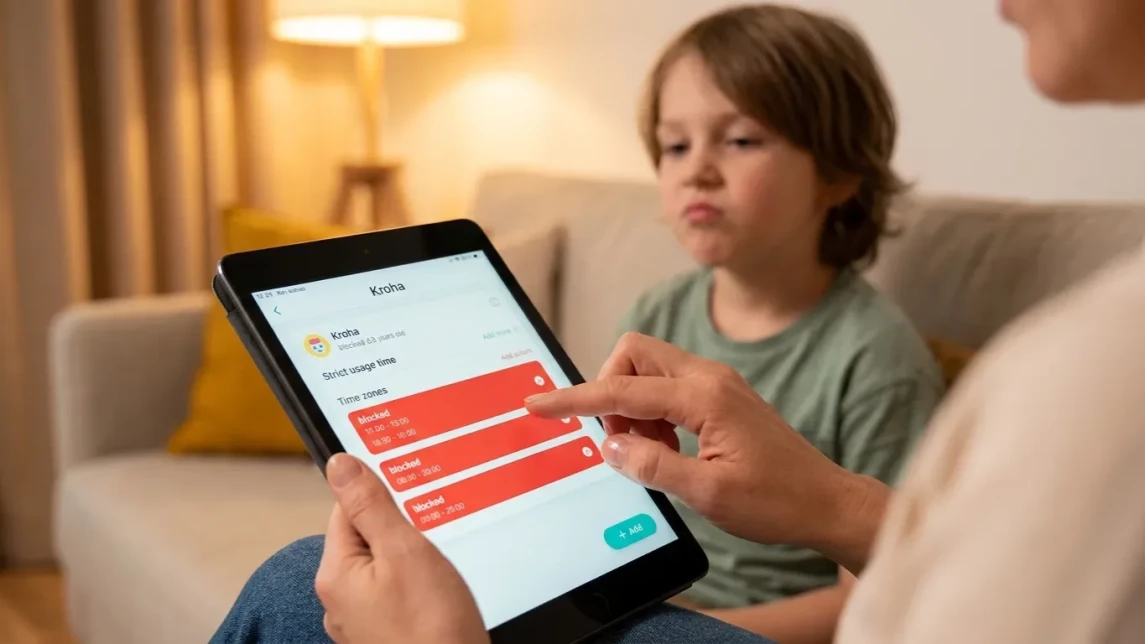
From Strict Parental Control to a Child's Gradual Independence
Giving your child more digital freedom isn’t about turning parental controls off overnight. It’s about gradually replacing restrictions with trust while keeping the safeguards that matter most. With tools like the Kroha parental control app, you can adjust settings step by step as your child matures, supporting responsibility without losing peace of mind.
In this guide, you’ll learn how to ease parental controls at different ages, which safety features should remain active, and how to help your child build healthy digital habits through clear rules and open communication—without unnecessary conflict.


How to balance control and freedom
The goal isn't to stop monitoring completely. Instead, adjust your level of supervision as your child demonstrates responsibility. Small changes over time help children develop independence without sacrificing safety.
- Set initial boundaries: Define screen time limits and which apps are allowed, matching your child's age and maturity.
- Monitor usage: Use Kroha to see app statistics and detect when limits need adjustment as your child learns to self-regulate.
- Encourage responsibility: Discuss why rules exist, involving your child in decisions to promote trust and understanding.
- Increase independence gradually: Loosen restrictions step by step, such as allowing more free time or access to new apps, while remaining available for guidance.
- Maintain safety nets: Keep features like location tracking and content filtering active as safeguards that quietly support your peace of mind without feeling invasive.
Understanding family rules for screen time
Family rules work best when everyone understands the purpose behind them. Instead of simply enforcing limits, explain how they support sleep, school, friendships, and overall wellbeing. Clearly defined rules reduce conflicts and support your child’s transition to independence.
- Daily screen time limits: Set specific durations per day with defined start and end times.
- App categories: Decide which types of apps are appropriate and set blocking for games, social media, or others accordingly.
- Device-free zones: Establish times or spaces where screens are off, like during meals or before bedtime.
- Consequences for rule-breaking: Agree on responses if screen time limits or app restrictions are bypassed.
Consistent application of these rules with open discussion creates a framework for your child to understand boundaries and the reasons behind them.
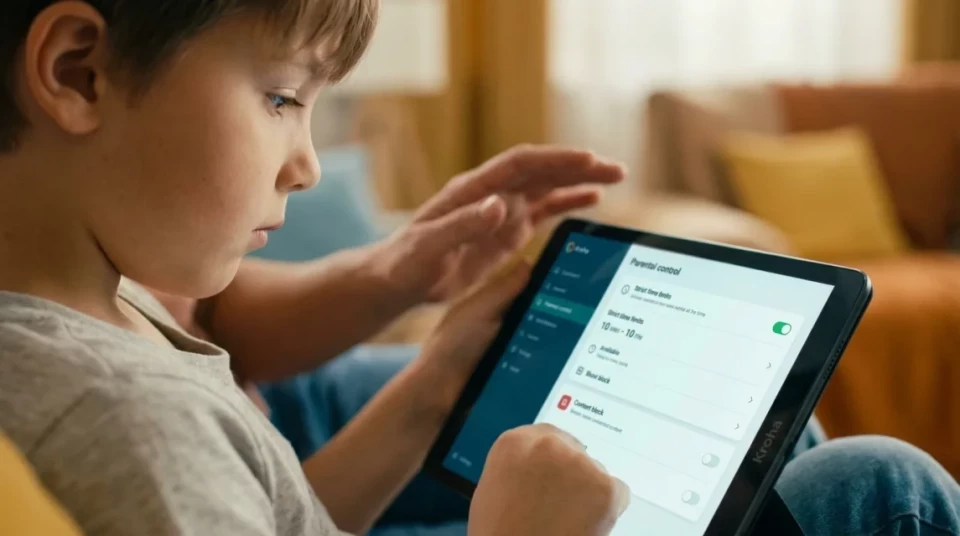
Adjusting control by age and trust
As children mature, parental controls should shift from direct supervision toward guidance and shared responsibility.
Early childhood (7–9 years)
At this stage, strict limits on screen time and app use are necessary. Use Kroha to set daily limits and block inappropriate content. Monitor closely and engage your child by discussing what they are doing online.
Preteens (10–12 years)
As your child becomes more responsible, give them opportunities to make their own choices. You might allow new apps, extend screen time on weekends, or relax certain limits while using Kroha's activity reports to make sure everything stays on track. Encourage your child to share experiences and ask for help if uncertain.
Early teens (13–14 years)
By early adolescence, conversations become more valuable than strict restrictions. Continue using digital safety tools, but allow your teenager to demonstrate responsible decision-making. Loosen time restrictions gradually, trusting your child to manage their usage with family rules as a guide. Keep content filtering active and location tracking for emergencies, but reduce micromanagement to foster independence.
Safe internet practices without overreach
Children are more likely to cooperate with parental controls when they understand that the goal is protection—not surveillance.
- Content filtering: Use Kroha’s filtering tools to block inappropriate websites and apps.
- Limit distractions: Block time-wasting or harmful apps during study hours.
- Teach critical thinking: Help your child recognize suspicious content and understand online risks.
- Open communication: Encourage your child to talk about experiences that worry or confuse them online.
Balancing safety and independence creates a trusting environment where your child learns to use the internet responsibly.
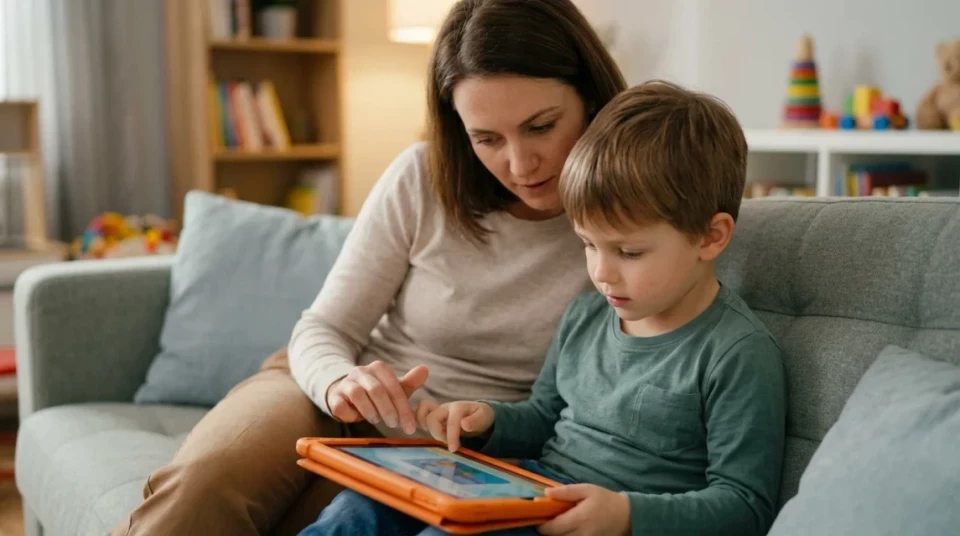
Using parental controls as your child grows
Parental controls are most effective when they adapt alongside your child's development. Instead of relying on the same restrictions year after year, review your settings regularly and adjust them based on your child's age, behaviour, and ability to manage screen time responsibly.
Kroha helps parents make these gradual changes without losing visibility into their child's digital wellbeing. Features such as screen time scheduling, app management, website filtering, and location sharing can remain available while giving children increasing freedom to make their own decisions.
The goal isn't constant monitoring—it's providing support when it's needed and stepping back as your child earns greater independence.
Regular conversations are just as important as parental control settings. Reviewing your family rules together every few months helps ensure they continue to match your child's age and needs.
Guiding independent digital habits
Helping your child develop healthy habits matters as much as setting rules.
- Routine breaks: Encourage regular offline activities and screen-free rest periods.
- Setting examples: Model balanced device use yourself.
- Reward responsibility: Acknowledge responsible choices instead of focusing only on mistakes. Positive feedback helps children build lasting healthy habits.
- Discuss risks: Talk about online privacy, kindness, and the impact of digital footprints.
This approach builds your child's confidence and responsibility gradually.
Internal links: parental control resources
These materials can help implement safe and balanced parental control in your family today:
- How to talk to a teenager about parental controls without starting a fight
- Adolescent Individuality and Self-Expression: How to Support and Not Lose Control
- Motivating Children to Change Their Behavior: How to Make the Right Choices
- Useful Tips for Parents of All Ages: How to Support Your Children at Every Stage of Development
FAQ: Balanced Parental Control and Independence
How do I start reducing control without losing safety?
Begin by loosening screen time limits step-by-step and allowing new apps with clear discussion about expectations. Keep monitoring features active to stay informed.
How do I know my child is ready for more digital independence?
There isn't a specific age. Signs include following agreed screen time rules, making responsible choices online, communicating openly about digital experiences, and respecting family guidelines. Increase independence gradually as your child consistently demonstrates these behaviours.
How can I handle my child bypassing controls?
Use Kroha alert system for unusual activity and discuss openly with your child. Adjust rules together as trust builds.
Should parental controls ever be removed completely?
Not necessarily. As children mature, parental controls often shift from strict restrictions to lighter supervision. Some safety features, such as website filtering or location sharing, may still be useful depending on your child's age, maturity, and family needs.
Are location tracking and privacy compatible?
When used transparently and only for safety purposes, location sharing can respect your child's privacy while giving parents reassurance in emergencies.
How do I explain screen time limits to my child?
Frame limits as part of caring for their health and family routines. Inviting input helps them feel valued and responsible.
Conclusion
There isn't a perfect age to remove parental controls. The right moment depends on your child's maturity, communication, and ability to make safe online decisions. Gradually replacing restrictions with trust helps children become confident, responsible digital citizens while giving parents lasting peace of mind.
Recent articles

Instagram Parental Control & Message Tracking Guide
Instagram remains one of the most popular platforms among children and teens. Its visual nature, viral trends, and influencer culture make it especially appealing to younger users. With millions of active users worldwide, Instagram provides a space for creativity, self-expression, and social interaction. However, this popularity also brings significant challenges for parents concerned about their children's safety and well-being online.
In an age where digital presence is increasingly integral to social life, ensuring that children navigate Instagram safely is paramount. This article aims to help parents monitor and limit their child’s Instagram activity using built-in tools and advanced solutions like the Kroha app. By understanding the risks and utilizing effective parental control applications, parents can create a safer online environment for their children.


How to Talk to Your Teen About Parental Controls
Talking to a teenager about parental controls can quickly turn into an argument if they feel watched or mistrusted. Parents want to protect their child online, while teens want more privacy and independence.
The goal is to explain why digital boundaries exist, listen to your teen’s concerns, and agree on rules that support safety without turning parental control into punishment.
This guide explains how to start the conversation calmly, respond to resistance, and use tools like Kroha transparently and responsibly.